
Easy on the Eyes
Big, bold letters reduce eye strain and make every puzzle comfortable to solve — ideal for seniors, low-vision users, and anyone who prefers a clear layout.
100% Free & No Sign-Up
Free printable word search puzzles with big, easy-to-read letters. Designed for seniors, low-vision users, and classrooms. Download PDF with answer key — no signup needed.
No account needed · Unlimited puzzles · Free printable PDF export
Large print word search puzzles use bigger fonts and wider letter spacing so every player can read comfortably without straining their eyes. Standard puzzle grids are often too small for older adults, people with low vision, or anyone who simply prefers a cleaner, less cluttered layout. Our large print generator solves this by giving you full control over font size and grid dimensions.
Eye strain is one of the biggest barriers to enjoying word searches. Research consistently shows that larger text reduces fatigue and increases puzzle engagement among seniors and those with vision impairments. Occupational therapists frequently recommend large print puzzles as a low-stress cognitive exercise that keeps the mind active without causing discomfort. Teachers also use them to support students with dyslexia or visual processing challenges.
Our large print word search tool is built on the same powerful engine as our full-featured word search maker — so you get all the customization options alongside the accessibility features you need. Try our Word Search Maker →
Big, bold letters reduce eye strain and make every puzzle comfortable to solve — ideal for seniors, low-vision users, and anyone who prefers a clear layout.
Download a high-quality PDF formatted for standard or A3 paper. The answer key is included so caregivers and teachers can check answers at a glance.
Designed with accessibility in mind. Suitable for occupational therapy, care homes, classrooms, and anyone who needs a more readable puzzle format.
Create your accessible puzzle in 3 easy steps
Type in the words you want hidden in the puzzle — or use one of our themed word lists
Choose a bigger grid size and limit directions to horizontal and vertical for maximum readability
Export a print-ready PDF with large text and an answer key — ready for seniors, students, or therapy sessions
Activity coordinators use large print puzzles to keep residents mentally engaged. Easy-to-read grids mean everyone can join in regardless of vision ability.
Bigger fonts and high-contrast layouts make word searches accessible to people with macular degeneration, glaucoma, or other vision conditions.
Teachers print large format puzzles for students with dyslexia, visual processing difficulties, or IEPs that require accessible learning materials.
Therapists recommend word search puzzles as gentle cognitive exercises. Large print versions reduce frustration and let patients focus on the mental challenge.
Large print puzzles bridge generations. Grandparents and grandchildren can work through the same puzzle together without anyone struggling to see the letters.
Print a personalized word search with family names and meaningful words as a thoughtful, screen-free gift that any grandparent will love.
Adjustable letter size so you can make the text as big as the paper allows
Wide cell spacing gives each letter room to breathe, reducing visual clutter
Bold black letters on a white background for maximum readability on paper
Separate answer key PDF makes it easy for teachers or caregivers to check results
Print-ready PDF formatted for Letter, A4, or A3 paper sizes
Choose smaller grids (10×10) for fewer words or larger grids to fit more content
Disable diagonal and backward words so players only search left-to-right and top-to-bottom
No registration, no payment, no limits — print as many copies as you need
Diagonal and backward words add unnecessary complexity for seniors and low-vision users. Keeping words horizontal and vertical makes scanning the grid much faster and less tiring.
Aim for 10–12 words per puzzle. Fewer words mean a less crowded grid and a more satisfying solving experience — especially for first-time players or those in therapy.
If you have access to A3 or Tabloid paper, use it. The extra space lets you increase the font size even further, making the puzzle genuinely comfortable for players with significant vision loss.
Learn more about word search puzzles and accessibility tips
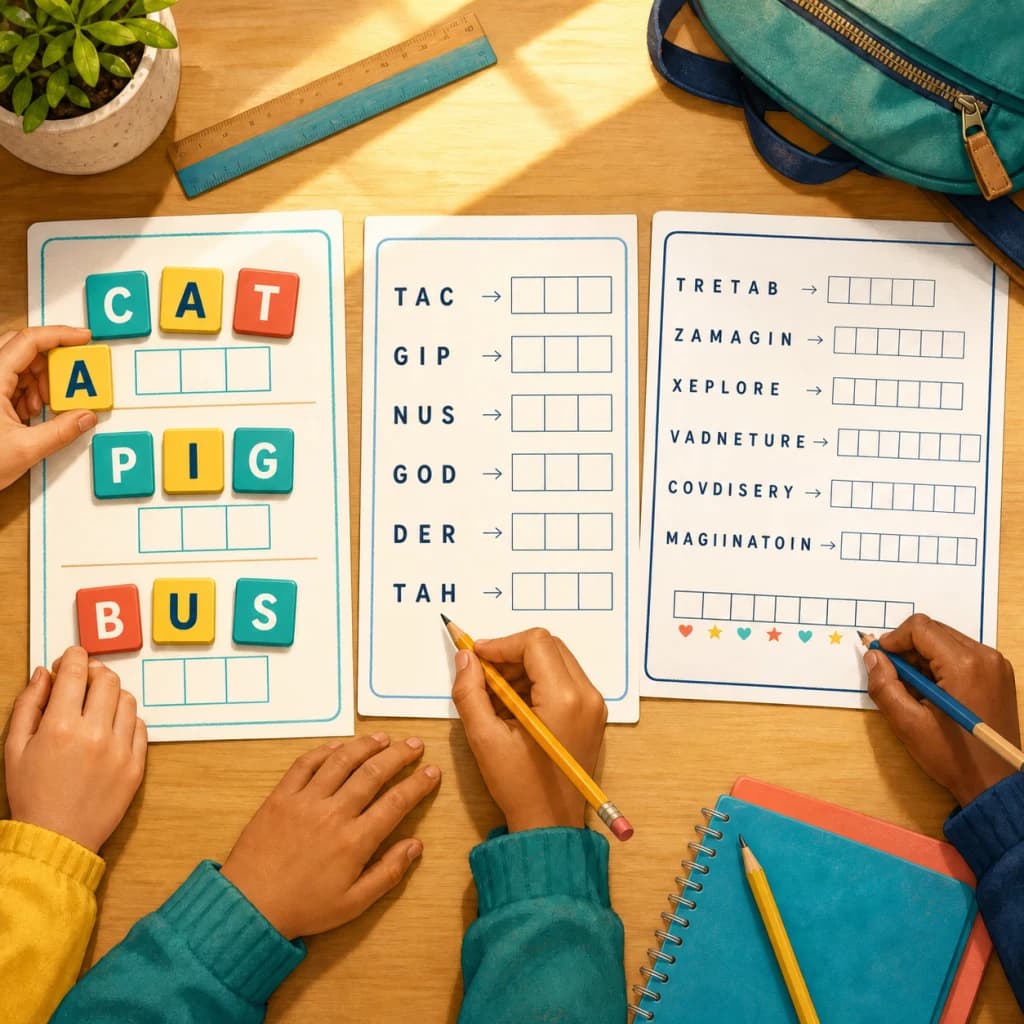
How teachers and parents use word scramble worksheets from K-2 to middle school, with a free printable back to school list and difficulty tips per grade.
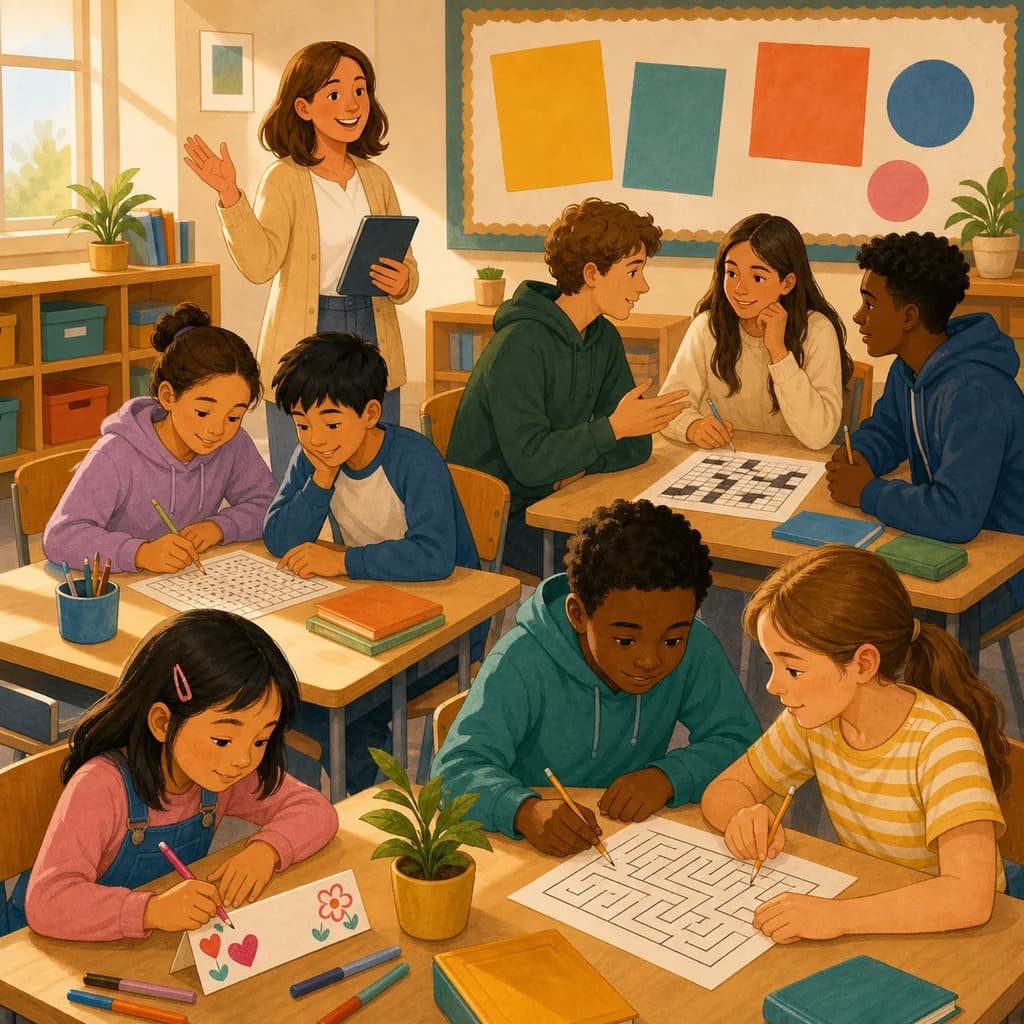
Low-prep first day of school activities for kindergarten through high school, plus a free printable back to school word search and crossword for day one.
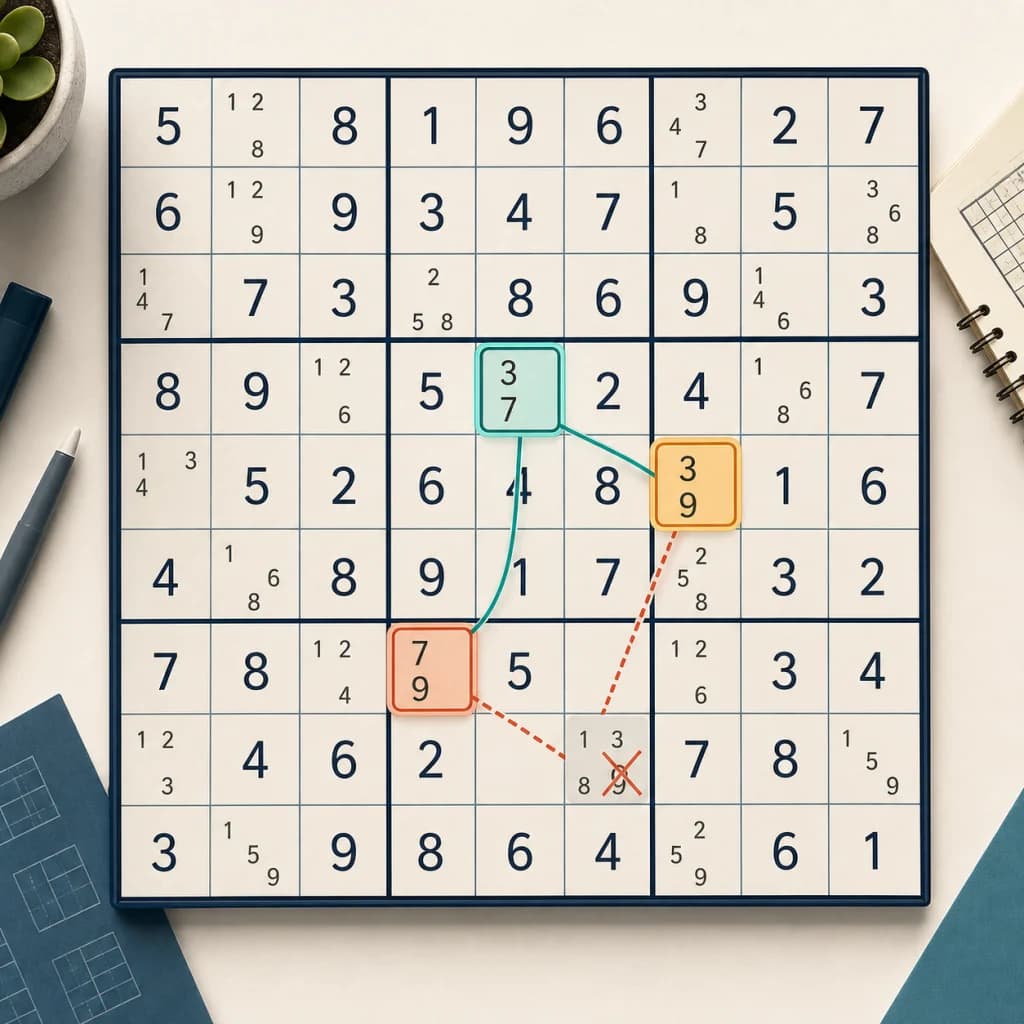
A clear, step-by-step guide to the y wing sudoku technique: what a y-wing is, how to find the pivot and pincers, and how it differs from an X-Wing.
Try our other free puzzle generators
Create custom jigsaw puzzles from your photos
Generate printable Sudoku puzzles with 4 difficulty levels
Build crossword puzzles with your own words
Make word search puzzles for any occasion
Create nonogram puzzles from images or hand-drawn grids
Create custom bingo cards with AI-powered word lists
Create printable mazes with adjustable size and difficulty
Turn quotes into letter-substitution puzzles, printable or shareable
Turn any word list into a printable scramble worksheet with answer key
Unscramble words, then read the numbered letters to reveal a hidden message
Common questions about large print word search puzzles
Free, accessible, and print-ready in seconds — no signup needed.
Create Now - It's Free