Play Online
Solve your photo puzzle directly in the browser. Drag and drop pieces with snap-to-fit. Share the fun with remote family members!
100% Free & No Sign-Up
Turn your favorite photos into custom jigsaw puzzles. Upload any image — family portraits, wedding memories, pet photos, travel snapshots — and create a personalized photo puzzle in minutes.
No account needed · Unlimited puzzles · Free ZIP, SVG & DXF export
Turn precious moments into lasting memories
Solve your photo puzzle directly in the browser. Drag and drop pieces with snap-to-fit. Share the fun with remote family members!
Share photo puzzles instantly via link. Grandparents, friends, and family can play together without signing up. Perfect for virtual gatherings!
Export individual puzzle pieces as PNG or SVG files in a ZIP. Perfect for digital scrapbooking or custom craft projects.
Upload high-quality photos up to 5MB. Your photo puzzle looks crisp and clear when printed or cut.
Download PDF for printing, SVG with embedded image, or DXF for laser cutting wooden photo puzzles.
Family portraits, wedding photos, pet pictures, vacation snapshots — turn any photo into a custom jigsaw puzzle!
From photo to finished puzzle in minutes
Select your favorite photo. JPG and PNG formats supported, up to 5MB. High-resolution photos work best.
Choose puzzle piece count and size. Preview how your photo looks divided into puzzle pieces.
Download PDF to print at home, or SVG/DXF files for laser cutting. Your photo puzzle is ready to make!
Turn precious moments into interactive memories
Get the best results from your custom photo puzzle
Photos with vivid colors and strong contrast between areas make the best puzzles. Landscapes, sunsets, and colorful scenes are ideal — they give each piece a distinct look.
Keep the main subject in the center of the frame. The puzzle will crop to fit the template shape, so avoid important details near the edges.
Higher resolution means sharper puzzle pieces. Smartphone photos (12MP+) work great. Avoid screenshots or heavily compressed images — they look blurry when divided into pieces.
For photos with faces, choose 24-100 pieces to keep features recognizable. Too many pieces can split faces awkwardly. Close-up portraits work better than wide group shots.
Photos with large single-color areas (plain walls, clear skies) create featureless puzzle pieces that are hard to place. Choose photos with texture and detail throughout.
Well-lit photos produce better puzzles. Avoid dark or underexposed images. Natural daylight photos typically work best for clear, vibrant puzzle pieces.
Tips for printing your custom photo puzzle at home
Print on A4 or Letter size cardstock (200-300 gsm) for sturdy pieces. Glossy photo paper gives the best color reproduction. Regular printer paper works for quick tests but pieces will be flimsy.
Set your printer to 'Best Quality' or 'Photo' mode. Use 100% scale — do not 'Fit to Page' as this may distort the puzzle grid. Enable borderless printing if available.
Use sharp scissors or a craft knife with a cutting mat. Cut along the puzzle lines carefully. For cleaner cuts, use a ruler as a guide on straight edges.
Glue your printed puzzle onto cardboard or foam board before cutting for durable pieces. Laminating first adds water resistance — great for kids or repeated use.
Creative ways to use photo puzzles
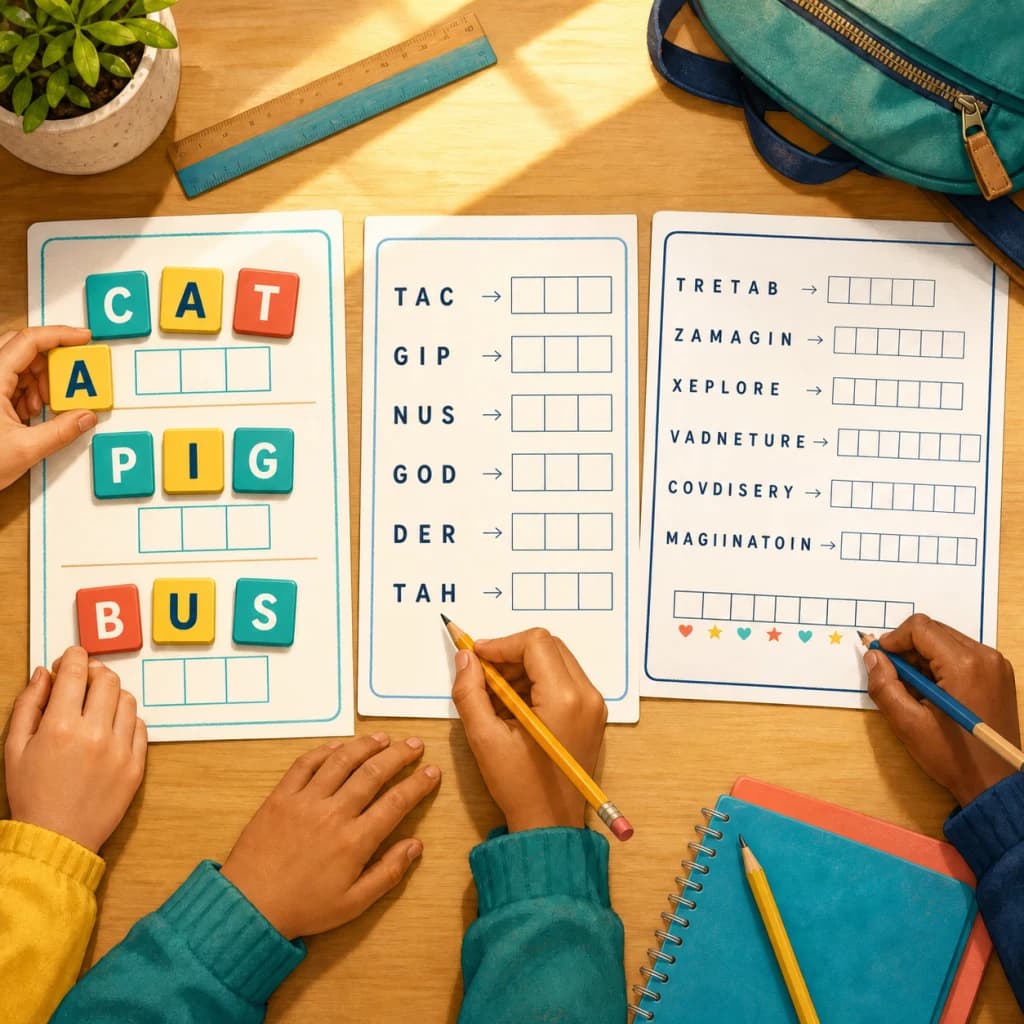
How teachers and parents use word scramble worksheets from K-2 to middle school, with a free printable back to school list and difficulty tips per grade.
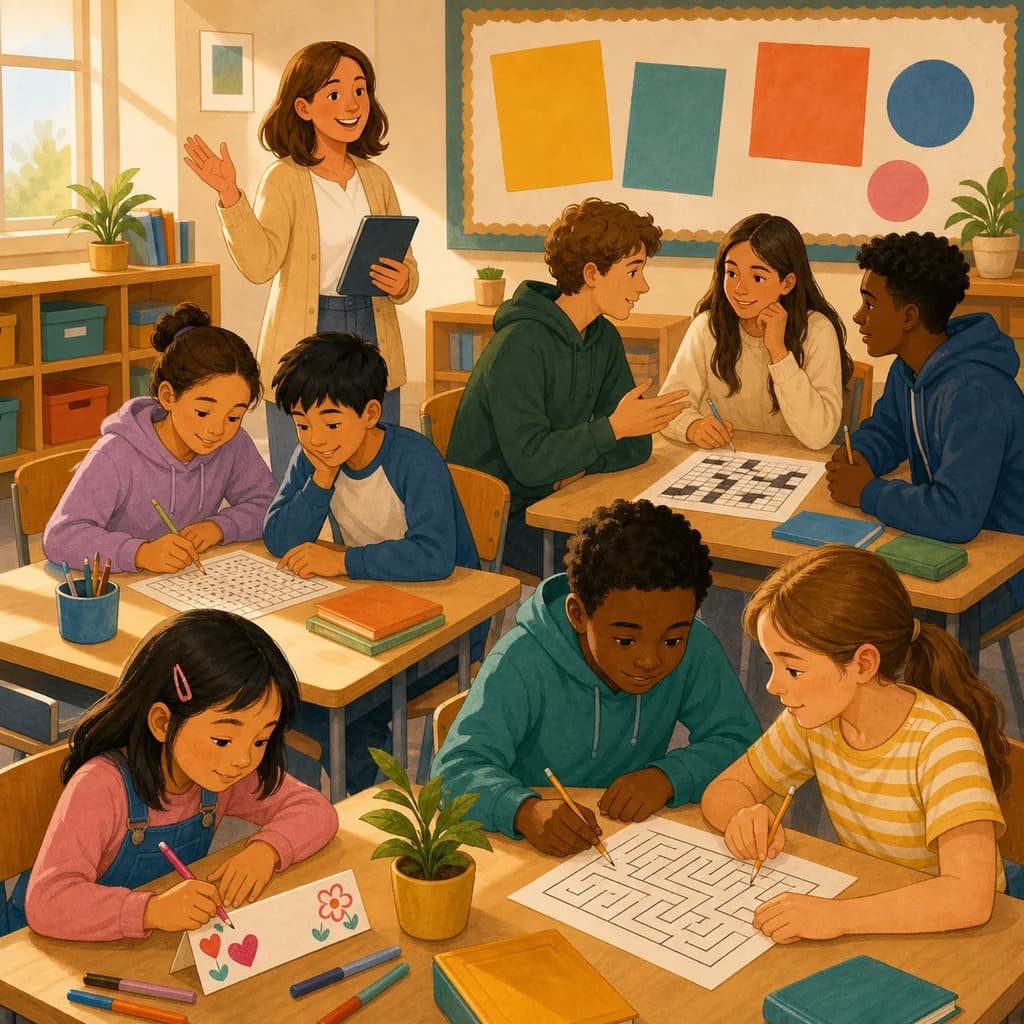
Low-prep first day of school activities for kindergarten through high school, plus a free printable back to school word search and crossword for day one.
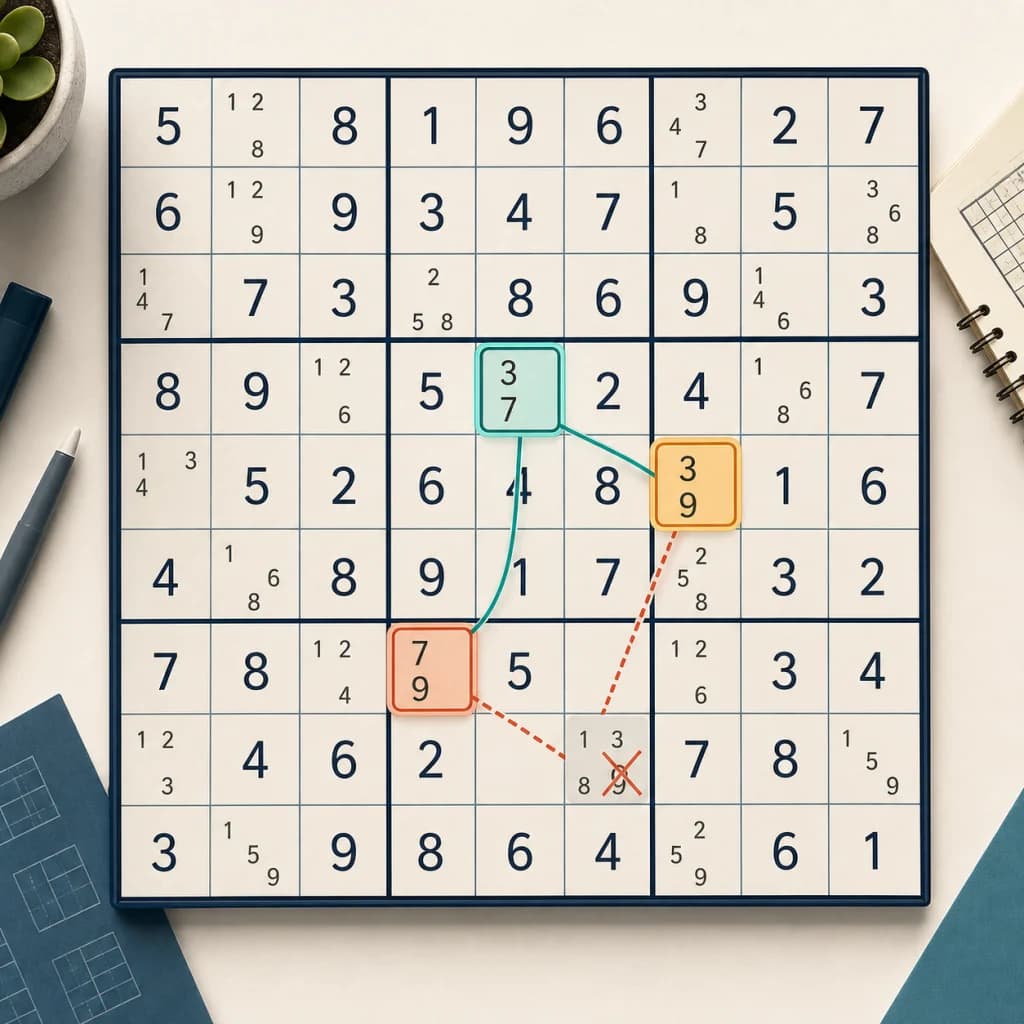
A clear, step-by-step guide to the y wing sudoku technique: what a y-wing is, how to find the pivot and pincers, and how it differs from an X-Wing.
Try our other free puzzle generators
Create custom jigsaw puzzles from your photos
Generate printable Sudoku puzzles with 4 difficulty levels
Build crossword puzzles with your own words
Make word search puzzles for any occasion
Create nonogram puzzles from images or hand-drawn grids
Create custom bingo cards with AI-powered word lists
Create printable mazes with adjustable size and difficulty
Turn quotes into letter-substitution puzzles, printable or shareable
Turn any word list into a printable scramble worksheet with answer key
Unscramble words, then read the numbered letters to reveal a hidden message
Common questions about creating photo puzzles