
Every Paper Size Supported
A4, US Letter, A3, Tabloid, Legal, A5, Half Letter — pick a preset and the grid auto-scales to fill the page.
100% Free & No Sign-Up
One-click maze PDFs for classrooms, homeschool, and activity books. Two-page PDF with answer key, photocopier-safe margins, ink-friendly black & white. A4, Letter, A3, Legal — all supported.
No account needed · Unlimited puzzles · Free printable PDF export
PuzzleGenio's printable maze tool turns any topic into a paper-ready worksheet. Choose A4 or Letter, hit download, and you have a clean black-and-white PDF in under five seconds — no signup, no watermark, no cropping at the margins. The PDF is vector-based, so it stays crisp even when scaled up to A3 or Tabloid for poster-sized prints.
Every printable maze ships with an answer key on page 2 of the PDF, so you can hand the puzzle to students or kids and keep the solution at your desk. The default 20×28 grid is calibrated to fill A4 portrait edge-to-edge without wasted ink. Need a different layout? Switch the orientation, paper size, or grid dimensions and the maze re-flows automatically — no manual tweaking required to keep the worksheet looking professional.
Need help choosing the right size for your printer? Read our guide to maze paper sizes and print quality
A4, US Letter, A3, Tabloid, Legal, A5, Half Letter — pick a preset and the grid auto-scales to fill the page.
Page 1 is the blank maze, page 2 is the solved version. Print both for self-grading or just page 1 to keep the answer at your desk.
Default thin black walls on white background — your printer cartridge will thank you. Optional color presets too.
30 students, 30 different mazes. Each 'New Maze' click reseeds the grid, so no two printed worksheets ever match.
From blank page to printed worksheet in under a minute.
Default is A4 portrait at medium difficulty. Switch to Letter for US printers, A3 for posters, or Legal for long mazes.
Switch from A4 to A3 and the 20×28 grid automatically scales up edge-to-edge — no manual resizing. Toggle landscape and the maze re-flows to fit.
Hit 'PDF with Answer'. The 2-page file opens in your browser ready for Cmd/Ctrl + P. No login, no email.
Print 30 copies for early-finishers, brain breaks, or substitute-teacher emergency packs.
Slot a fresh maze into your weekly worksheet binder. Different difficulty per child, same paper size — generate one printable maze for the 5-year-old and a harder one for the 9-year-old in the same minute.
Stock the kids' corner with printable mazes for summer reading clubs and rainy-day activities.
Gentle 'easy' mazes on Letter paper support cognitive engagement without frustration.
Print themed birthday or baby-shower mazes onto cardstock. Bundle with crayons as take-home gifts.
Drop the PDF straight into your KDP interior layout — vector-quality, commercial-use ready.
A4, A3, A5, Letter, Letter Landscape, Legal, Tabloid, Half Letter, B5 — landscape variants included.
Maze ships ink-friendly. No color cartridge required for great print results.
Solution PDF page is generated automatically — no second click required.
20×28 default fills A4 portrait. Switch orientation and the grid re-flows to match.
Click 'New Maze' as many times as you want — each PDF is unique. Perfect for class sets.
Default page margins clear the photocopier feed-edge bias zone — walls won't clip when teachers run a class set through the school copier.
Walls render at a weight that survives repeated photocopier passes without ghosting, while staying thin enough for crayons to color inside the path.
If your grid is wider than tall (e.g., 30×18), switch to A4 Landscape or Letter Landscape so the printable maze fills the page edge-to-edge without wasted whitespace.
For a hard maze printable that holds attention in a classroom or library setting, jump from A4 to A3 (or Letter to Tabloid). Same grid, twice the surface area, much easier for a group to crowd around.
Need 30 unique sheets so kids can't peek at each other's solutions? Click 'New Maze' between PDF downloads — each printable maze gets a fresh random seed, so no two students ever solve the same layout.
Tips, teaching ideas, and worksheet inspiration from the PuzzleGenio blog.
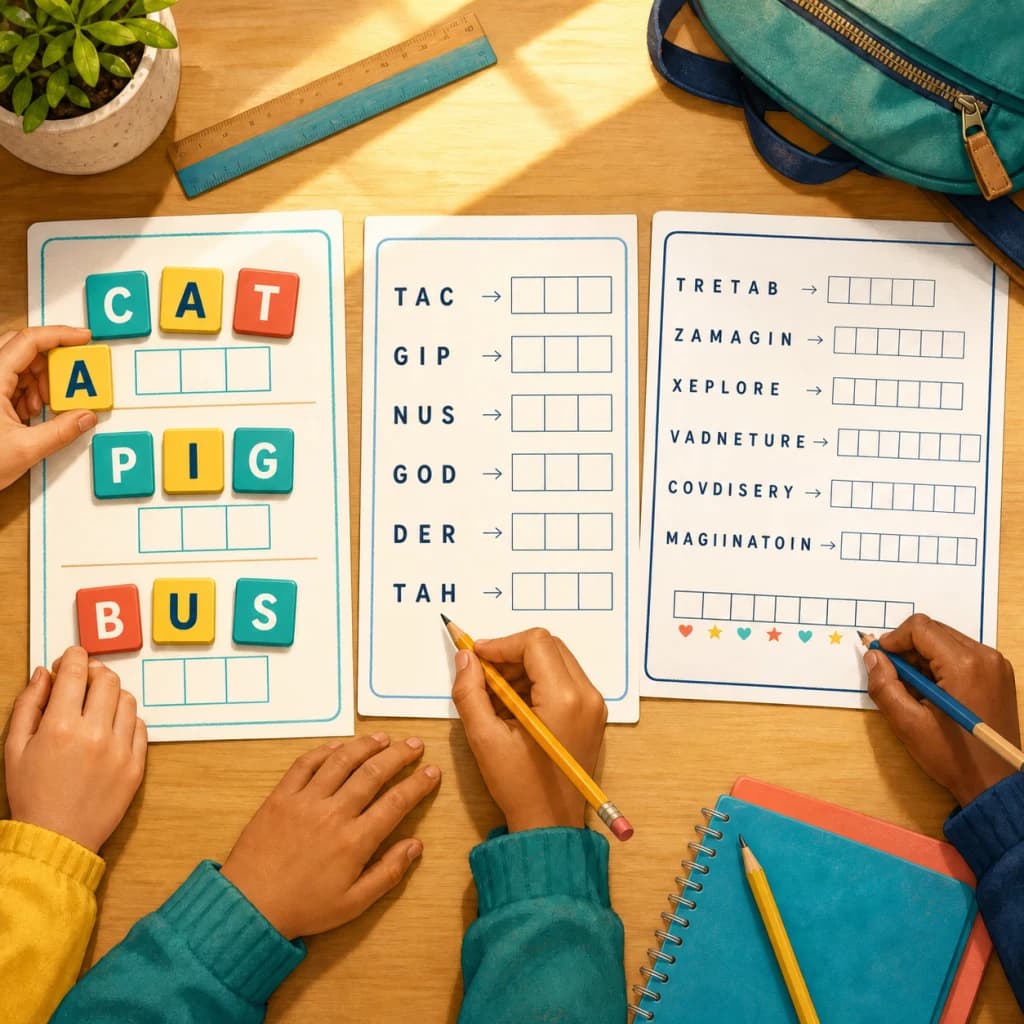
How teachers and parents use word scramble worksheets from K-2 to middle school, with a free printable back to school list and difficulty tips per grade.
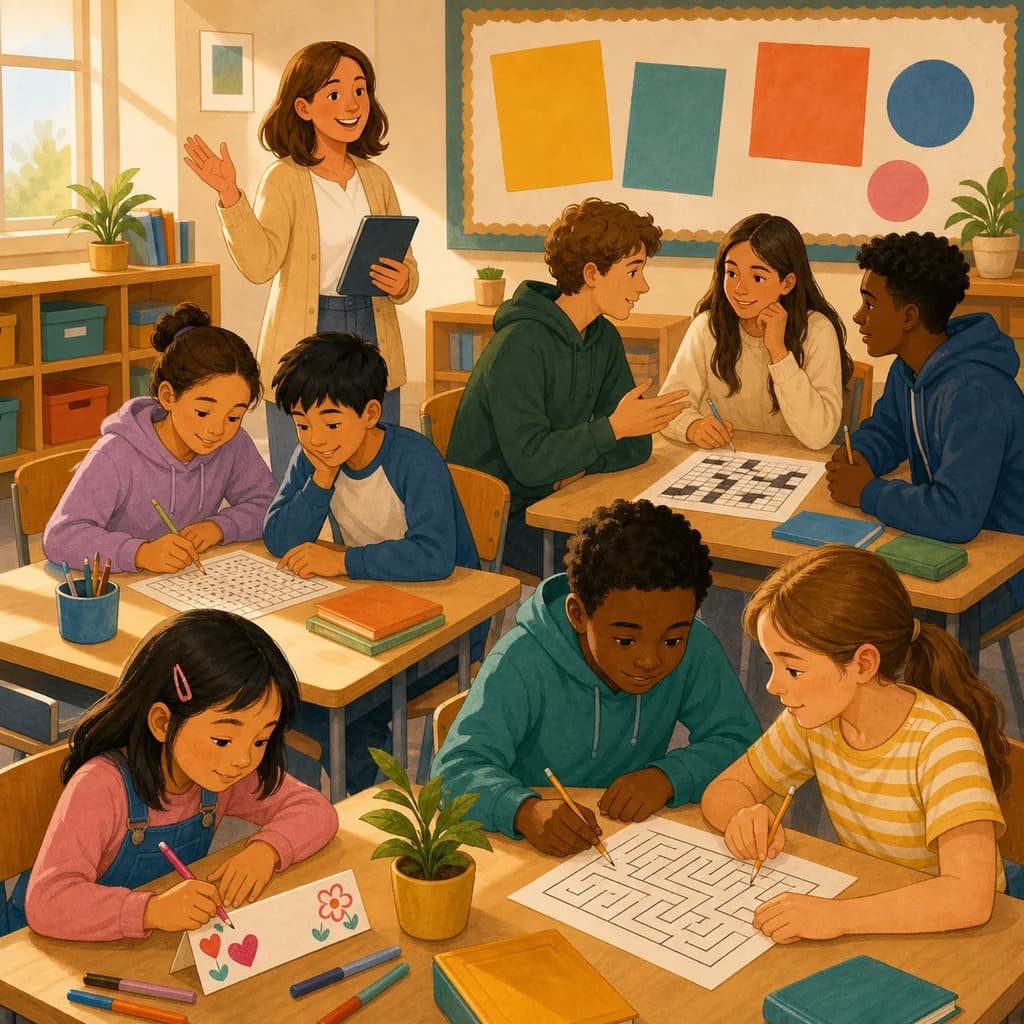
Low-prep first day of school activities for kindergarten through high school, plus a free printable back to school word search and crossword for day one.
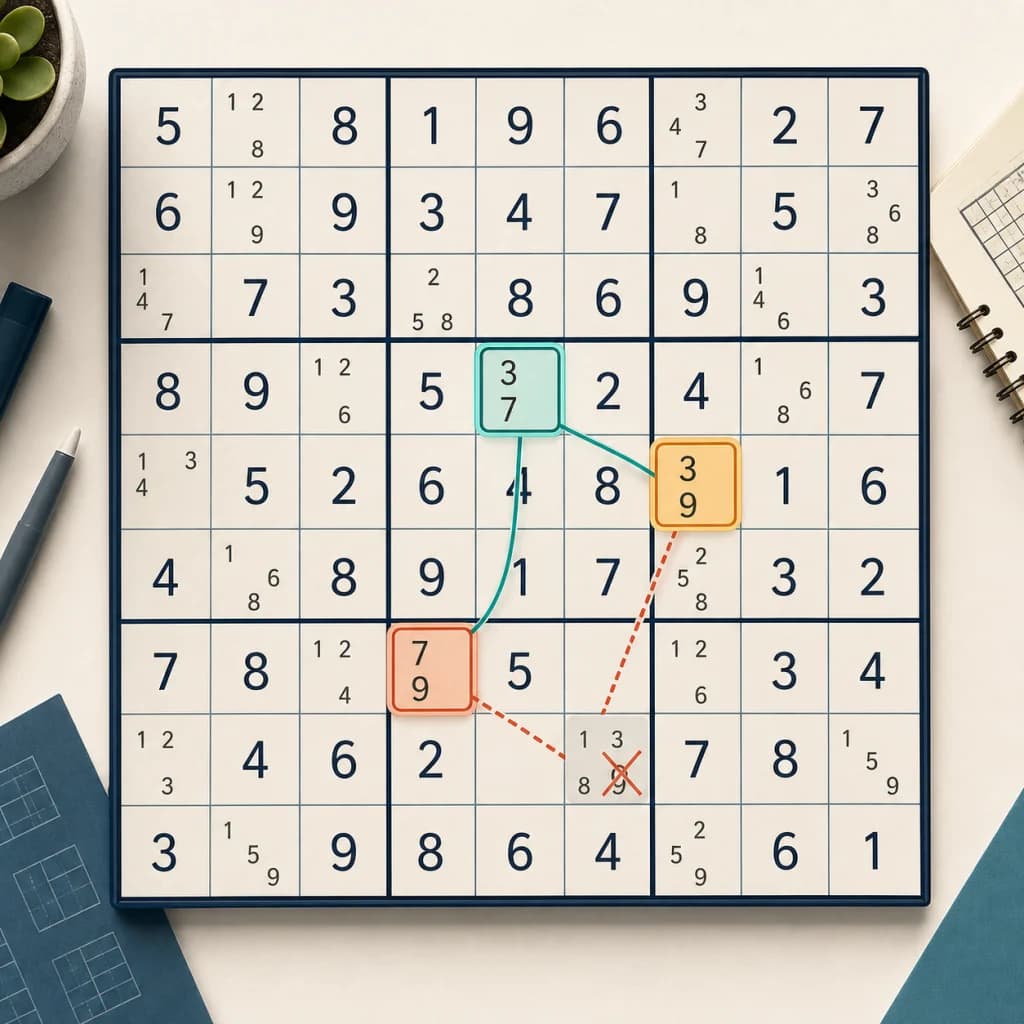
A clear, step-by-step guide to the y wing sudoku technique: what a y-wing is, how to find the pivot and pincers, and how it differs from an X-Wing.
Try our other free puzzle generators
Create custom jigsaw puzzles from your photos
Generate printable Sudoku puzzles with 4 difficulty levels
Build crossword puzzles with your own words
Make word search puzzles for any occasion
Create nonogram puzzles from images or hand-drawn grids
Create custom bingo cards with AI-powered word lists
Create printable mazes with adjustable size and difficulty
Turn quotes into letter-substitution puzzles, printable or shareable
Turn any word list into a printable scramble worksheet with answer key
Unscramble words, then read the numbered letters to reveal a hidden message
Everything you need to know about printing these mazes.
Free PDF, answer key included, every paper size supported. No signup. No watermark.
Download Printable Maze